- Instagram keeps the original quality for photos with a width of 1080 pixels and an aspect ratio between 1.91:1 and 3:4.
- Carousels drive higher engagement than single images, provided all shots have the same aspect ratio.
- Automated AI background tools often distort product edges or your logo.
Taking product photos with a phone is the most direct way to show what you sell, without expensive equipment. Your device’s camera is enough for clear images that highlight your work. The problem starts when the photo blurs after uploading or the product gets cropped awkwardly on your profile.
According to DataReportal, Greece had 7.32 million active social media user identities in January 2025. Meanwhile, Eurostat reports that online shoppers in the EU reached 78% in 2025.
Dimensions and aspect ratios for Instagram
Adam Mosseri, head of Instagram, explained the profile change from a square to a rectangular grid:
most of what’s uploaded, both photos and videos, are vertical in their orientation
Adam Mosseri, head of Instagram
The official Instagram help page states that photos upload with a maximum width of 1080 pixels. If the image is larger, it gets compressed. If it is smaller than 320 pixels, it gets enlarged and pixelated.
Instagram keeps the original resolution if the aspect ratio is between 1.91:1 (horizontal) and 3:4 (vertical). Anything outside this limit is cropped automatically.
A comparison between the classic 4:5 and the new 3:4 for product photos.
| 4:5 (Classic) | 3:4 (New Grid) | |
|---|---|---|
| Resolution (pixels) | 1080 x 1350 | 1080 x 1440 |
| Appearance on grid | Loses ~34 px | Not cropped at all |
| Scheduling tools | Safe choice | Often rejected |
The 2026 Buffer guide shows that the grid displays previews in a 3:4 aspect ratio (1080 x 1440 pixels), which Instagram fully supports as of May 2025, according to the Influencer Marketing Hub. The 4:5 ratio (1080 x 1350 pixels) remains a safe choice, especially when you are looking into how to schedule Instagram posts using external tools. With 4:5, you lose very few pixels (about 34 on each side) in the preview. Keep the product in the center of the frame and nothing important will be cut off.
The technical requirements you need to remember for Instagram and Google Shopping posts.
How to upload photos without losing quality
Even if the photo is crystal clear, Instagram compresses it to save data. Prevent this by changing one setting.
- Open Instagram, tap your profile picture (bottom right), and then the menu (☰) on the top right.
- Select “Settings and privacy” (names change depending on the update).
- Find “Data usage and media quality” or just “Media quality”.
- Under “Media upload quality”, turn on “Upload at highest quality”.
- Before uploading, make sure the photo is at least 1080 pixels wide and has an aspect ratio between 1.91:1 and 3:4.
- For the new profile grid, keep the product in the center.
Follow these steps on Instagram to reduce image compression.
1Tap the menu icon (☰) on your profile and select settings.
2Find the option for data usage and media quality.
3Turn on the highest quality upload for crisp product photos.
Swipe for the next steps →
When taking product photos with a phone, clean the lens with a cloth. Fingerprints create blur.
If you also upload your products to Google Shopping, the Google Merchant Center requires images to be at least 500 x 500 pixels, up to 64 megapixels, and have a file size of up to 16 MB.
Carousel or single photo?
Carousels allow you to show multiple angles of the same product, textures, or different colors in the same post.
An analysis by Buffer of over four million posts showed that carousels drive 114% higher engagement than single images. Socialinsider data for 2025 gives an average engagement of 0.55% for carousels, compared to 0.37% for static images.
Average engagement rate per Instagram post type for 2025.
In carousels, Instagram adjusts all photos to the aspect ratio of the first one. If you mix square and vertical images, the app adds borders to the square ones. Use the same aspect ratio for all shots. A tool like InstaBot writes captions for your own photos and carousels by learning your brand’s tone.
Light and backgrounds for product photos with a phone
Natural light is the most reliable choice. If you have a ceramics studio, place the products near a window, avoiding direct sunlight that casts harsh shadows.
Stabilize your phone with a small tripod to avoid camera shake.
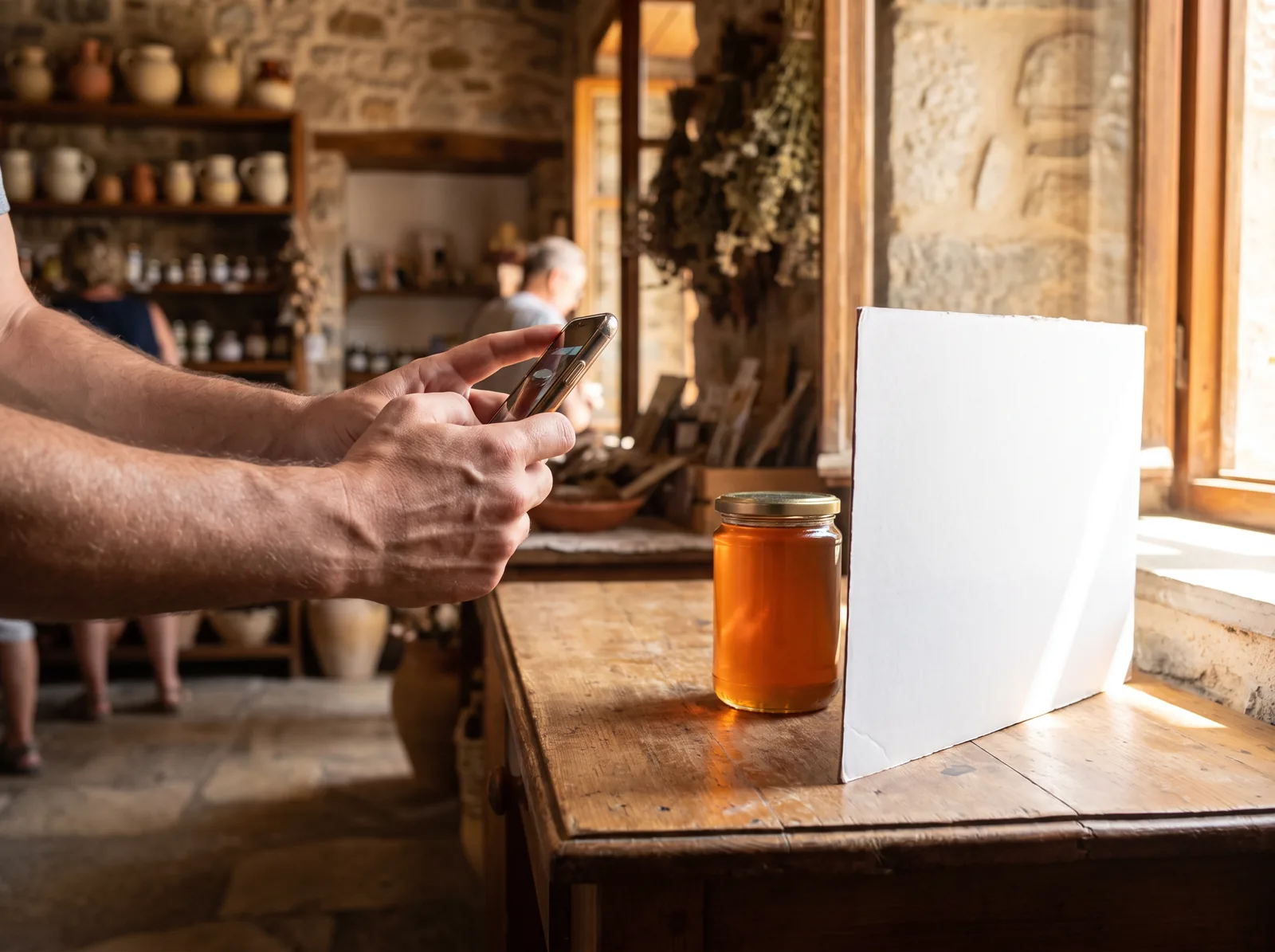
Keep the background clean. A white cardboard or a wooden surface highlights the object.
Be careful with AI tools
Meta offers built-in AI tools. In Stories, Restyle removes elements from the background or changes the mood using text prompts.
The AdsUploader guide warns that Meta’s Advantage+ creative enhancements often distort logos, product edges, or text. In 2025, True Classic reported that Meta generated images featuring clothes the company did not even sell, because they had left automatic enhancements on.
How to use AI correctly for your product photos while avoiding mistakes.
- Removing unwanted elements from the background
- Generating backgrounds for products with a white or plain backdrop
- Checking every variation before publishing
- Using AI on complex backgrounds or lifestyle images
- Blindly trusting ad presets
- Ignoring distortions in logos, hands, and text
AI background generation works best on products that already have a white or solid color background. Complex images yield unnatural results.
Meta attaches an “AI info” label to content that has been altered with AI. If the editing software adds technical signals (C2PA and IPTC) to the file, the label appears automatically on Instagram. According to Junibloom, there is no evidence that the “AI info” label drops a post’s reach.
Frequently asked questions
What dimensions should my Instagram photos be?
The ideal width is 1080 pixels. The 4:5 aspect ratio (1080 x 1350) is considered the safest, while the new grid fully supports 3:4 (1080 x 1440).
Why are my Instagram photos blurry?
Instagram compresses files. You need to turn on “Upload at highest quality” in your account settings.
Will a 4000-pixel photo upload in full resolution?
No. Instagram will automatically downsize it to a width of 1080 pixels. It does not keep larger resolutions.
How to post multiple photos on Instagram without cropping?
Instagram adjusts all images to the aspect ratio of the first one. Crop all photos to the exact same aspect ratio before selecting them.
Combining the right settings with a clean frame changes your brand’s image. Once your material is ready, InstaBot reads your site and profile, learns your tone, and creates posts, carousels, and reels with the right hashtags, so you can schedule your presence across all networks from one screen.
Sources
- Instagram Help Centre – Image resolution of photos you share on Instagram
- RouteNote Blog – Instagram’s new profile grid layout: From squares to rectangles
- Buffer – Instagram Image Size Guide 2026
- Influencer Marketing Hub – Instagram Image Sizes in 2026
- Blck Alpaca – Reels vs Carousel
- AdsUploader – Advantage+ Creative Enhancements: The Complete 2026 Guide
- Junibloom – Instagram AI labels: what triggers them
- Google Merchant Center Help – How to fix: Image too small
- DataReportal – Digital 2025: Greece
- Eurostat – E-commerce statistics for individuals